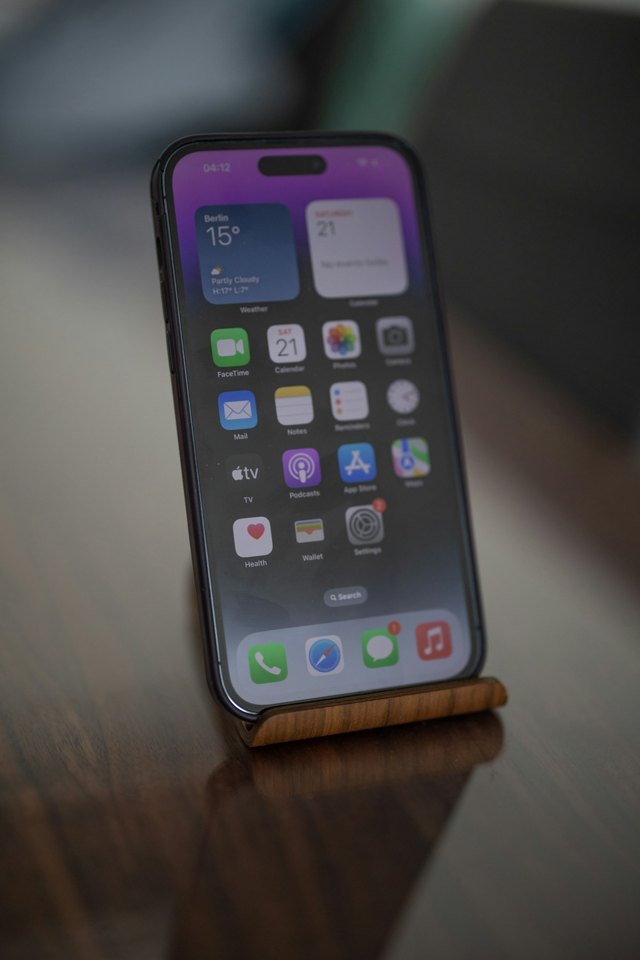
A phone is supposed to make everyday tasks easier. Over time, it can collect screens of apps and a steady stream of interruptions. A short review can help you decide what deserves your attention.
Start with your home screen
Keep the apps you use most where you can find them. Move the rest to folders or another screen. Remove apps you no longer need after checking whether they hold information you want to keep.
Review notifications
Open the notification settings and look at one app at a time. Keep the alerts that are useful to you. Turn off promotional reminders or frequent updates that you routinely dismiss. The exact options vary by device and app.
Make reading comfortable
Look for your device's display and accessibility settings. Experiment with text size, contrast, and brightness to find what works for you. You can also use this website's text-size control to make articles easier to read.
Keep important information accessible
Make sure the contacts you use most are easy to find. Review the device's emergency information options and decide what you want to make available there.
The goal is a phone that suits your routine, rather than a routine shaped by every sound your phone makes.